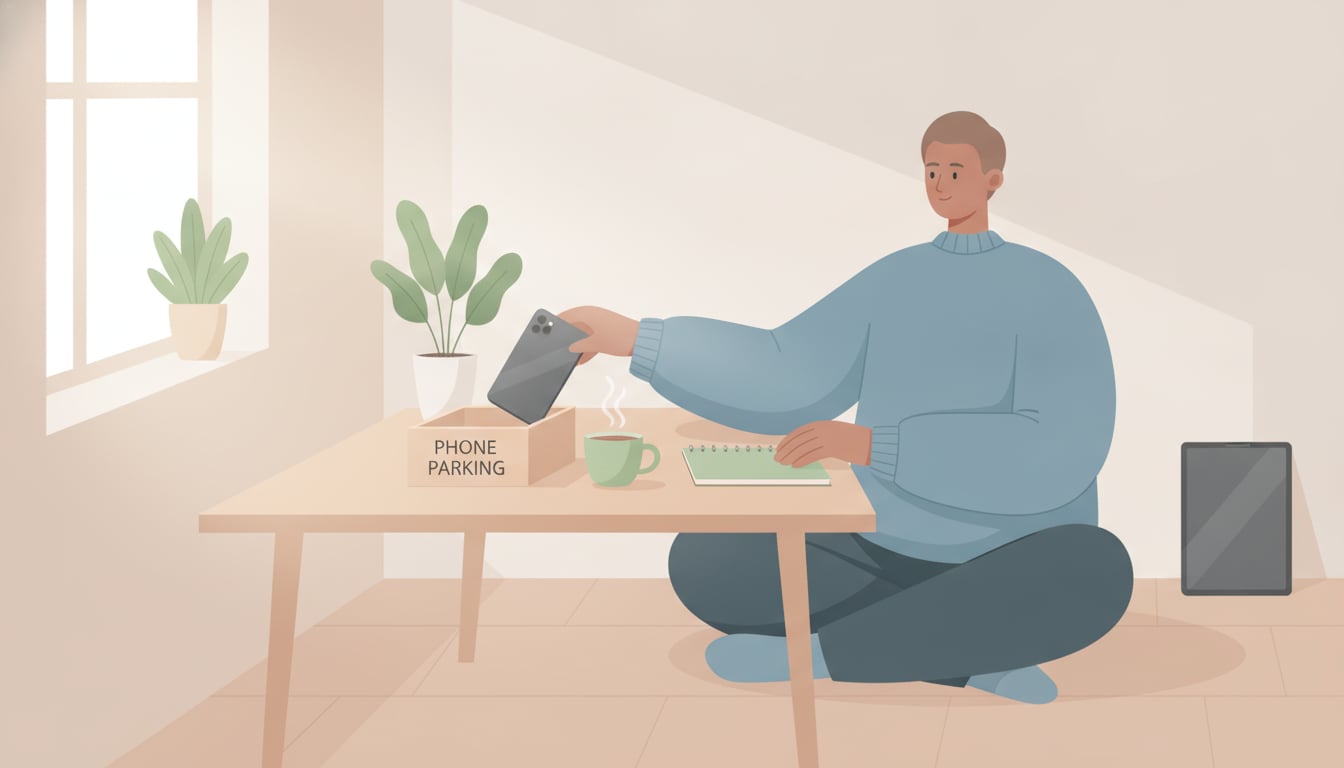
You picked up your phone for one notification. Forty minutes later you surface, no memory of the scroll in between, the thing you actually opened it for long forgotten. If that's a weekly occurrence for you, you've probably already tried the obvious fixes — grayscale mode, a screen-time blocker, a stern promise to yourself. And you've probably watched all three quietly fail. That's not a willpower gap. It's a sign the problem needs a different kind of digital detox app, one built around small, scored wins instead of self-control.
Why You Can't Just "Put the Phone Down"
Every notification is engineered by teams whose job is to bring you back, and the app on the other end doesn't need you to be strong — it just needs you to be human. Each ping triggers a small dopamine anticipation before you even see what it is; the pull isn't really about the content of the message, it's about the uncertainty of what might be waiting, which is exactly why "I'll just ignore it" rarely survives contact with a lit-up screen. Willpower is a limited, depleting resource that gets weaker every time you use it during the day, while notification design is a system running 24/7 with a team behind it, refined against millions of users to be as hard to resist as possible. That's not a fair fight, and losing it isn't a character flaw. A smartphone addiction habit tracker works precisely because it doesn't ask you to out-willpower that system — it replaces the phone's reward loop with a smaller, competing one that you control, so putting the phone down stops depending on how strong you happen to feel in a given moment and starts depending on a system that works even on your worst days.
How My Rules Turns Digital Detox Into a Game
Instead of a blanket "use your phone less," My Rules works as a digital detox app that breaks the goal into small missions an AI coach proposes for you, each one scored the moment you complete it — so your brain gets a reward for stepping away, not just for staying glued in.
AI-Suggested Micro-Challenges for Less Screen Time
Tell the AI coach something like "I want to stop reaching for my phone at meals" and it hands back a concrete, doable mission instead of vague advice: leave your phone in another room during lunch, switch to airplane mode one hour before bed, or do a 20-minute walk with your phone left on the desk. Each one is scoped tightly enough to finish today, which matters — a goal like "cut screen time in half" is too big to start on, and too vague to know if you actually did it, but "phone in the other room for lunch" is a single, obvious action you can complete and mark done in under a minute. The AI keeps proposing new ones as you clear the old ones, adjusting toward whatever situation is actually tripping you up — mornings, meals, bedtime — so the challenges evolve with what's genuinely working for you instead of repeating the same generic advice every app in this category already gives you.
Earning Points for Every Phone-Free Stretch
Every time you complete one of these challenges, you mark it done and points land immediately — no waiting a week to see if the habit "took." That instant hit matters because it's competing directly with the instant hit your phone already gives you; if only the phone pays out right away, the phone wins by default, every time, no matter how much you meant to do better. Points accumulate toward rewards you set for yourself, so a phone-free lunch stops being an abstract virtue you're supposed to feel good about and starts being a small, visible win on the board, right next to every other challenge you've cleared that day. Over a stretch of days, those small wins are what make phone-free stretches feel worth repeating rather than worth abandoning by Wednesday, because you're no longer relying on memory of how good you'll feel "eventually" — the payoff is already sitting there in front of you.
Use the Journal to Spot Your Real Screen-Time Triggers
Points handle the "do less of this" side; the journal handles the "why do I keep doing this" side, and skipping it is how most detox attempts stay shallow. Every time you catch yourself reaching for your phone out of habit, log it — what you were feeling right before: bored, anxious, avoiding a task, or just reacting to a notification that turned out to be nothing. After a week of entries, patterns show up that willpower alone never reveals: maybe it's not evening scrolling that's actually the problem, it's the 3pm slump at work, or the ten minutes after you finish a task and don't know what's next, or the specific loneliness of a commute with nothing else to look at. That's a lightweight plan-do-check-act loop — try a small change, log what actually happened, then let the next challenge the AI coach suggests be shaped by what you found instead of what you assumed going in. The journal turns "I have no self-control" into "here's specifically when and why this happens, and here's what I'm trying next" — a problem you can actually design around instead of just feeling bad about.
Three Micro-Challenges You Can Start Today
You don't need the full system running to start building a reduce screen time habit today. Pick one of these and try it before you open the app again:
- Charge your phone outside the bedroom tonight. Use an actual alarm clock. This alone removes the single most common trigger for both the first scroll of the day and the last one, and it costs nothing but the price of a cheap alarm clock.
- Put your phone in another room during one meal. Just one — breakfast, lunch, or dinner. Notice how long it actually takes before you reach for a phone that isn't there, and notice what you do with your hands and attention instead.
- Turn on airplane mode for one hour before bed. Log in your journal what you did with that hour instead — that entry is often the moment people realize how much of their "relaxing" scroll time wasn't relaxing at all, and how much better an actual hour of downtime feels.
None of these require an app to try once. But logging each attempt and letting an AI coach turn the ones that worked into a repeatable challenge — instead of a one-off experiment you forget about next week — is the difference between a good day and an actual reduce screen time habit. Each of these takes under a minute to set up and produces a result you can feel the same day, which is exactly the kind of fast, visible feedback a longer-term habit needs to survive past week one.
The Bottom Line: Fix the System, Not Your Willpower
Cutting screen time isn't a test of character you keep failing — it's a system you haven't built yet. Let the AI coach propose the small challenges, let points make phone-free stretches feel worth doing, and let the journal show you what's actually driving the habit. Give My Rules a try and start today.